Flipping samples into a holiday soundtrack
Watch Novation product specialists, CALC and Kody, take raw samples and make holiday-themed beats with Launchpad and FLpad.
Taking the samples recorded by Alex at our sibling brand, Focusrite, CALC and Kody were each tasked with manipulating, sculpting, and arranging a track with holiday vibes using Launchpad and FLpad respectively. Watch the videos to see their process. And if you want to make your own holiday soundtrack, you can download the samples used via the link at the bottom of this article.
CALC and Launchpad Pro
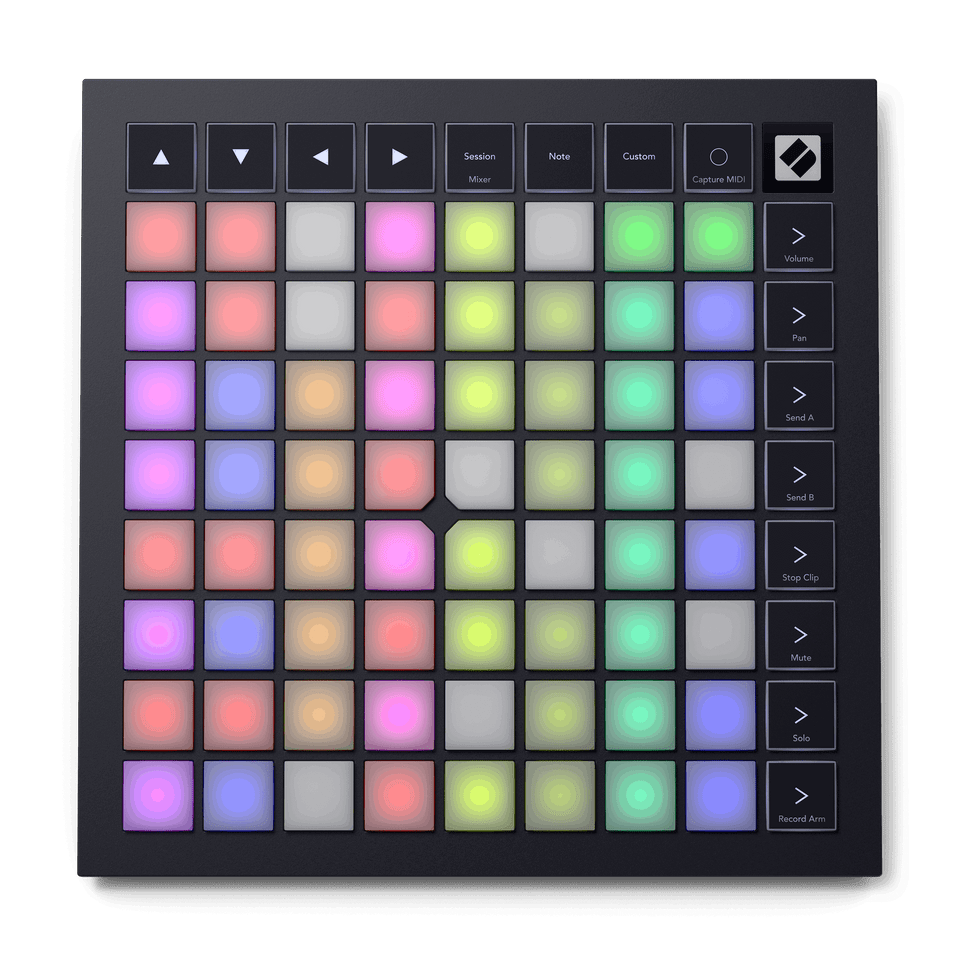
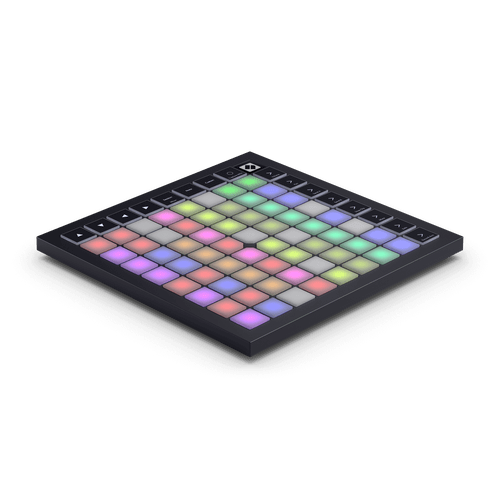
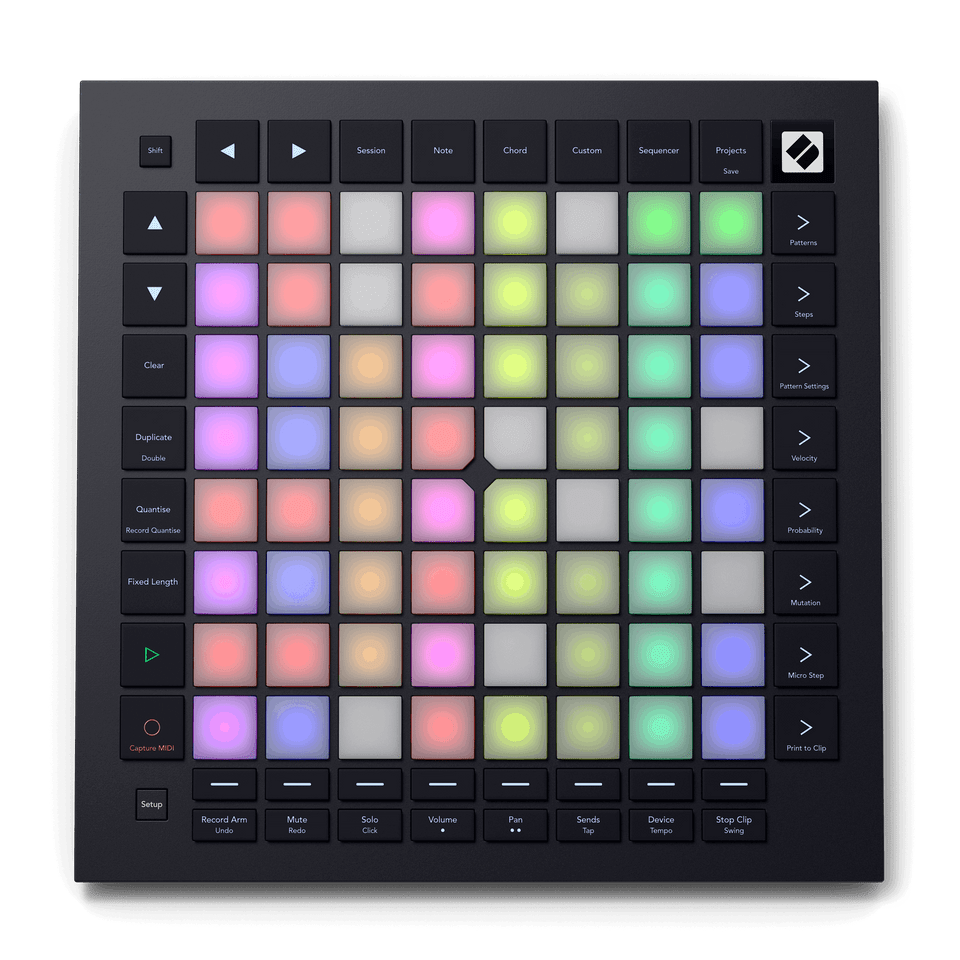
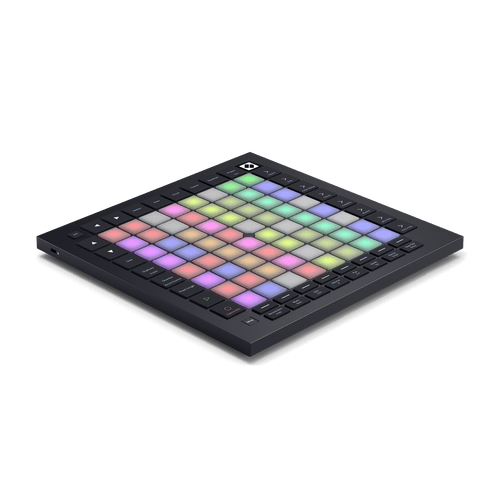
Launchpad Pro is a grid-based controller that works with major DAW, and it’s especially at home with Ableton Live. CALC loads the samples into Live, crops them into single hits, and adds them into a Drum Rack. Then he uses the Launchpad Pro’s standalone sequencer to quickly create a beat.
With the sequencer in a 4x4 Drum Grid layout, the notes on the pads mirror Live’s Drum Rack, so there’s no extra setup time when you’re ready to start creating. Velocity edits help the hi-hat sit better in the beat. The print-to-clip feature sends the finished sequence from the Launchpad Pro into its own clip slot in Live, ready to launch.
Lead lines are created with Note mode, set to a scale so all the notes played are in key. With the clips and sequences recorded, CALC improvises an arrangement from the Launchpad Pro, blurring the lines between composing, improvising, and performing.
Kody and FLpad
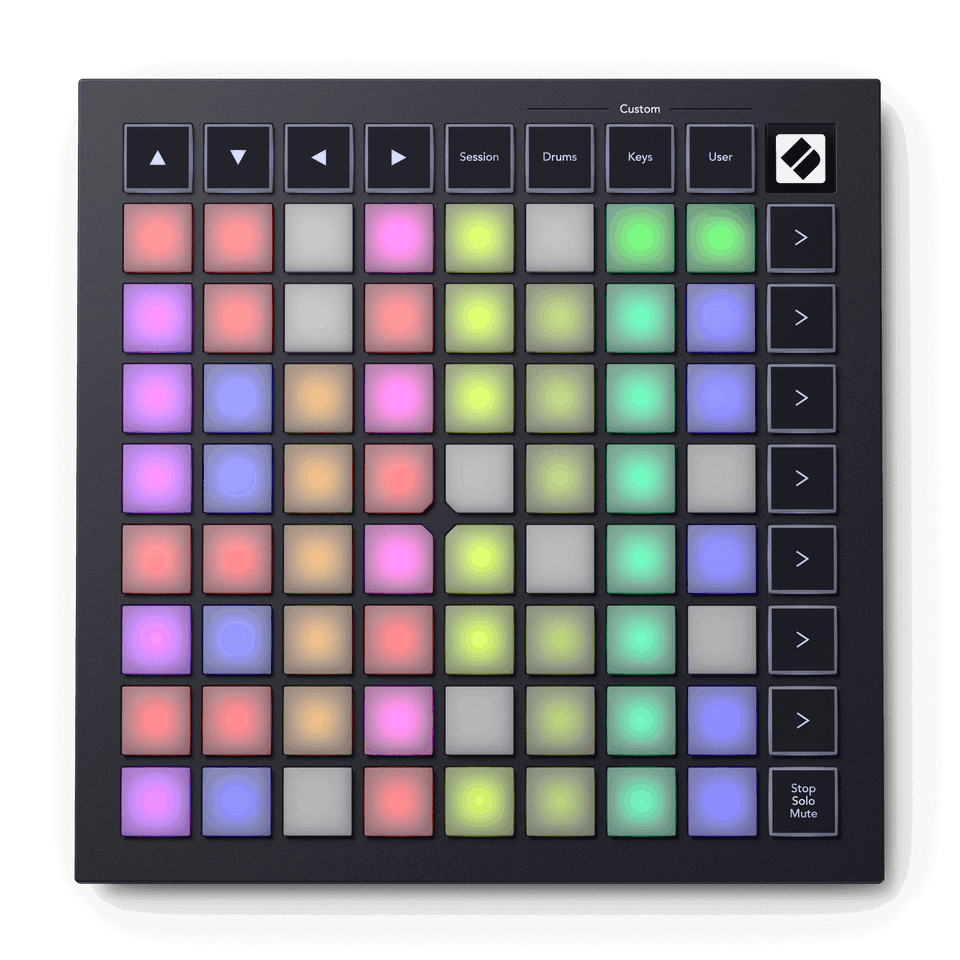
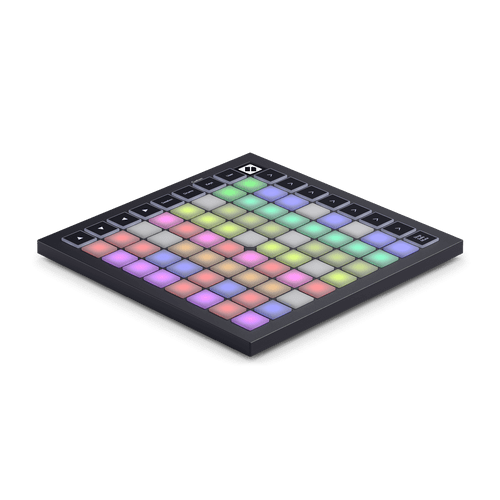
FLpad is a dedicated grid controller for FL Studio, co-developed with Image-Line, and Kody puts it to work on the found sounds recorded by Alex in this previous video. Wrapping paper layered with a sine wave makes the kick. Samples of a pitched-up Christmas cracker and a can opening become the snare, while the same can opening sample edited and run through a high-pass filter, becomes the hi-hat. Bells with a delay add a holiday touch and vocal ‘Cheers!’ and cocktail shaker samples are added to pads for use later in the track.
Kody quickly sets the tempo and swing directly from FLpad, then switches to Sequencer view to program the beat. Once that’s done, he adds dynamic hi-hat velocity changes and note repeats for movement with the Graph Editor.
The Clone Loop feature lets him extend his 16-bar loop into 64 bars. To create the chords and bassline he first sets his key with Scale mode and then chooses his instruments, so his track doesn't have any wrong notes.
Pattern view and Custom Mode let him duplicate his pattern, flesh it out with more samples, and add a new melody, then lay out his arrangement directly from FLpad with the Paint tool.
Download the sounds
Ready to make your own holiday soundtrack? Download the samples you hear in both videos, then chop, sequence, and flip them however you like.
Pick your Grid Controller.
Launchpad Mini
Launchpad Pro


FLpad Mini


FLpad
Shop the sale.